
ChatGPT Mentions Tracking for One Website: The Free 10-Minute Daily Workflow


TL;DR
Learn how to set up a free ChatGPT mentions tracking workflow for your website using a simple prompt library, Google Sheets, and Slack alerts.
ChatGPT Mentions Tracking for One Website: The Free 10-Minute Daily Workflow
Checking whether your website shows up in a ChatGPT answer costs almost nothing in raw compute. A single prompt run through the API burns a few hundred tokens. OpenAI prices its GPT-4o mini model at $0.15 per million input tokens and $0.60 per million output tokens. Yet most teams assume they need a paid subscription before they've tracked any ChatGPT mentions at all.
To track a website's ChatGPT mentions before you need enterprise features, use a reliable manual daily routine. First, run a fixed set of prompts through the OpenAI or Perplexity API. Next, log whether your domain appears in a shared Google Sheet. Finally, wire a free Zapier or Make.com webhook to Slack. This webhook fires when a mention appears or disappears.
This piece walks through that exact workflow. First, you will build a prompt library that mirrors how real customers ask questions. Next, you will log responses in a sheet you can copy today. Finally, you will set up alerting so you do not eyeball a spreadsheet every morning. It also covers the point at which a spreadsheet stops being enough.
The workflow, in short:
- Run 5 to 10 fixed prompts daily against ChatGPT (and ideally Perplexity), noting whether your domain, brand, or product is mentioned.
- Log each result in a simple Google Sheet with columns for prompt, date, mentioned (yes/no), position, and the source cited.
- Connect that sheet to a free Zapier or Make.com automation that posts to Slack whenever a "mentioned" value changes.
Most roundups of AEO tools list twenty platforms, their feature grids, and their pricing tiers, then stop. None of them hand you the actual prompts, the sheet structure, or the automation logic. You cannot run this check yourself for free. This workflow closes that gap. You can reproduce it in one sitting, rather than just reading about it.
ChatGPT Mentions Tracking: Why You Don't Need a Platform on Day One
Before setting anything up, you should know how much headroom a free developer account actually gives you. The answer determines whether you need to pay for anything at all right now. The short version: quite a lot.
If you track only one website, your required volume of checks is tiny compared to a standard API account's capacity. A brand-new Tier 1 OpenAI account supports up to 500 requests per minute and 10,000 requests per day. This capacity dwarfs the needs of a single site. Even running 10 prompts, three times each, every day requires far less. You must check dozens of competitors across several models and markets simultaneously to approach that ceiling. At that point, a dedicated platform's automation starts saving more time than manual runs cost.
Quick answer: For one website, checking 5 to 10 prompts a day uses a small fraction of the free-tier API capacity available to any developer account. There's no cost-based reason to buy a monitoring platform until you're running checks across many prompts, competitors, or AI models at once, typically hundreds of checks a day rather than single digits.
Set Up Your Prompt Library
A prompt library forms the foundation of the whole workflow. A bad library will quietly waste ten minutes of your day.
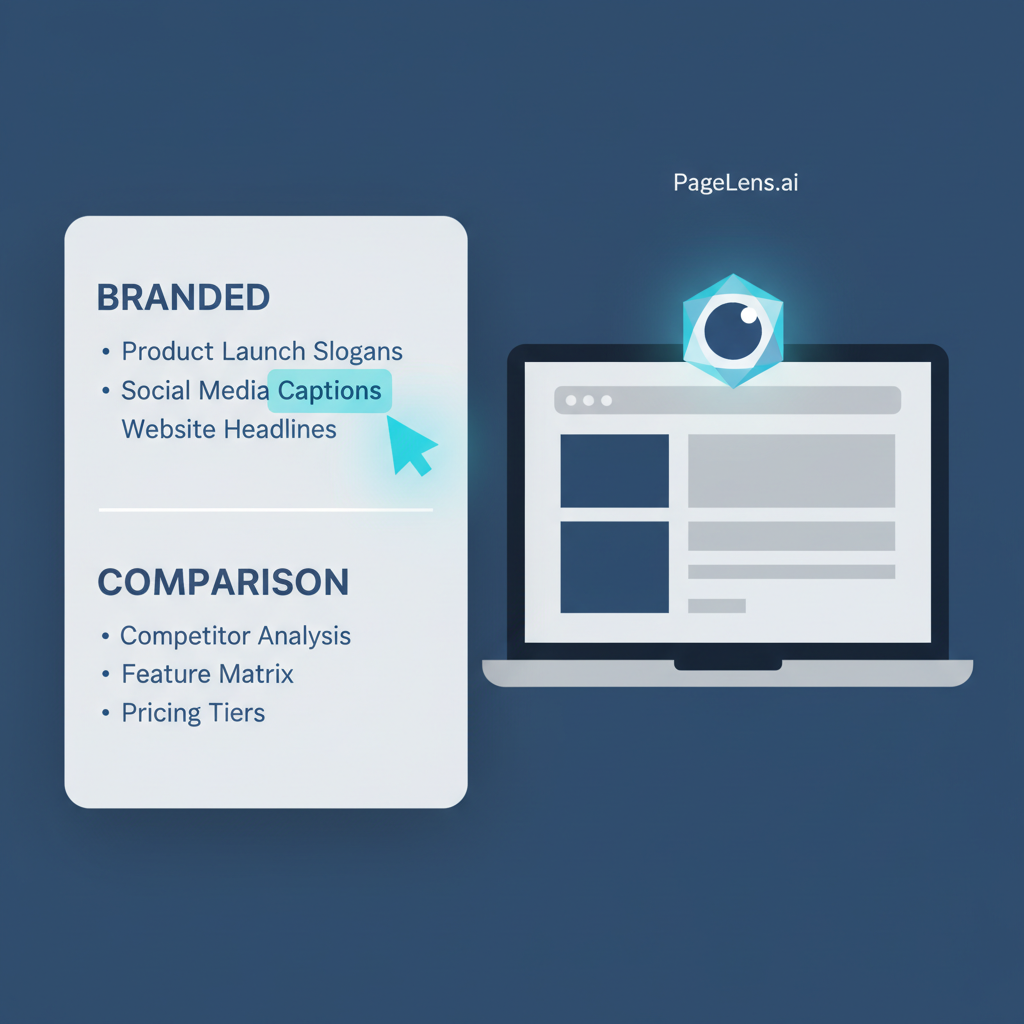
Your goal is to mirror the actual questions your buyers ask an AI assistant. Do not use the keywords you'd type into Google. ChatGPT phrasing tends to be more conversational and comparative.
Start small and specific rather than broad and generic. Run a tight library of eight to twelve prompts daily. This gives you a cleaner trend line than fifty prompts run once a week.
| Prompt type | Example prompt | What it tells you |
|---|---|---|
| Branded | "What is [yourbrand] used for?" | Whether the model has accurate facts about you at all |
| Category, non-branded | "Best [your category] for small teams" | Whether you surface in generic buying questions |
| Comparison | "[Your product] vs [top competitor]" | How you're framed against rivals, and who wins |
| Problem-first | "How do I fix [problem your product solves]" | Whether you appear as a solution before brand awareness kicks in |
| Long-tail "best for" | "Best tool for [narrow use case]" | Whether niche positioning is landing with the model |
Quick answer: Build 8 to 12 prompts split across branded, category, comparison, and problem-first phrasing, and keep the exact wording fixed day to day so you're comparing like with like, not measuring noise from prompt variation.
Log Responses in a Tracking Sheet
Once you fix the prompt list, logging is mechanical. This is exactly why it fits inside a ten-minute window. Open a fresh tab for each prompt. Paste it into ChatGPT (or your API script). Record what comes back in five columns: Date, Prompt, Mentioned (Y/N), Position/Context, and Source Cited. The last column matters more than it looks. When ChatGPT or Perplexity name a specific source for a claim, you need to study that page. It is currently earning the citation you want.
A minimal version of the sheet looks like this:
| Date | Prompt | Mentioned | Position/Context | Source Cited |
|---|---|---|---|---|
| 2026-01-14 | "Best tool for X" | Y | 2nd of 4 tools listed | competitor-blog.com |
| 2026-01-14 | "[Brand] vs [Competitor]" | N | Not mentioned | , |
| 2026-01-15 | "Best tool for X" | Y | 1st of 3 tools listed | , |
Two habits make this sheet useful rather than just busywork. First, run the same prompts at roughly the same time each day. Model responses drift. Comparing a morning run to an evening run introduces noise. You will misread this noise as a trend. Second, treat "Mentioned" as a strict yes/no in a separate column from qualitative notes. This allows you to chart it later without parsing text.
This is also the layer where a full platform earns its keep once you outgrow it. Tools like the ones catalogued in AIclicks' AEO tracking roundup automate exactly this logging step across eight or more models at once. Some tools, like the Brand Radar features that xSeek covers, add source analysis. This analysis identifies which specific websites drive competitor mentions. That is genuinely useful. However, you do not need it when you track one domain against a fixed prompt list you already wrote yourself.
Quick answer: Log four to five fields per check, date, prompt, mentioned status, position/context, and cited source, in a shared Google Sheet. Keep run times consistent day to day so you're tracking real change, not response variance.
Configure Alerting
You defeat the purpose of a ten-minute workflow by checking a spreadsheet every morning. This is especially true if you must scroll through two weeks of rows to spot a change. A webhook fixes this. It watches the sheet and only bothers you when something actually shifts.

The recipe is straightforward on either Zapier or Make.com:
- Trigger: New or updated row in your tracking Google Sheet.
- Filter: Only continue if the "Mentioned" column changed from its previous value for that prompt (Y→N or N→Y).
- Action: Post a formatted message to a Slack channel. Include the prompt text, old status, new status, and a link to the sheet row.
Both platforms offer free tiers that can run this exact automation for a single sheet without a paid plan. This matters because you have a low-frequency, low-volume trigger. You run one check per prompt per day, not per minute.
Scale is where you will eventually hit a ceiling. If you track multiple domains, models, and prompt sets simultaneously, you will burn through free automation runs quickly. You will exhaust them faster than your API quota.
On the API side alone, a standard developer account supports up to 500 requests per minute and 10,000 requests per day on GPT-4o mini. Single-site tracking will never use this much room.
If you'd rather skip building the sheet and automation from scratch, the underlying structure above, sheet columns, filter logic, and Slack message format, is the same blueprint used in the PageLens platform's monitoring tools, just automated and extended across more prompts and models than a manual sheet can comfortably handle.
Quick answer: Wire a Google Sheets trigger to a Slack action through Zapier or Make.com, filtered to fire only when a prompt's mention status changes. Both platforms' free tiers comfortably handle single-site, once-daily checks, you won't need a paid automation plan until you're monitoring well beyond one domain.
When This Workflow Stops Being Enough
This setup is built for one website, a fixed prompt list, and a daily cadence, which is precisely the scenario most AEO tool comparisons skip over in favor of feature grids. Roundups like AIclicks' 15 best AEO tools list or Stackmatix's 20+ platform comparison are genuinely useful once your needs outgrow a spreadsheet, but they answer "which tool" rather than "what do I actually do today," which is the gap this workflow fills.
You'll know it's time to move off this manual setup when any of these happen: you're tracking more than one domain, you want coverage across more than two or three AI models (adding Claude, Gemini, or Grok manually multiplies your daily API calls fast), you need historical trend charts instead of raw sheet rows, or you want source-level analysis showing which competitor pages are winning citations, a feature aeotrack.io's integrations build around, including bot-detection scripts and crawler allow-rules that a spreadsheet simply can't replicate.
At that point, a platform's automation stops being a convenience and starts being the only realistic way to keep the data current, which is when it's worth looking at the PageLens platform for a monitoring setup that carries the same logic across multiple domains and models without the daily manual runs. If you're managing this for several client sites and want to introduce them to a lighter-weight option before they scale up, PageLens's affiliate program is also worth a look.
FAQs on ChatGPT mentions tracking
How many prompts should I test daily? For a single site, 8 to 12 fixed prompts spread across branded, category, comparison, and problem-first phrasing gives a reliable daily signal without turning the check into a long task. Testing more than that manually usually means the check no longer fits in ten minutes, which is a sign you're ready for automated, multi-prompt tracking rather than a bigger manual list.
What if I don't have API access? You don't need it to start. Run the same prompt list directly in the ChatGPT and Perplexity web interfaces, paste the responses into the same tracking sheet columns, and log results by hand. It takes a few minutes longer than an API script, but the sheet structure and alerting setup work identically either way, the API just saves you the copy-paste step once you're ready to script it.