.png)
Llms.txt V2 Adds Formal Markdown Linking for AI Agents: What It Changes for AI Visibility

TL;DR
We explain why llms.txt V2 adds standard links from web pages to Markdown and site guidance, making agent discovery clearer. We also separate that implementation benefit from Google ranking claims, then show teams how to validate the release and measure any AI visibility change.
Llms.txt V2 Adds Formal Markdown Linking for AI Agents: What It Changes for AI Visibility
llms.txt was first proposed in 2024, but its creator marked a V2 update on August 10, 2026. The subsequent coverage matters because it turns a loosely understood agent-discovery convention into a clearer implementation pattern for websites with useful, structured content.
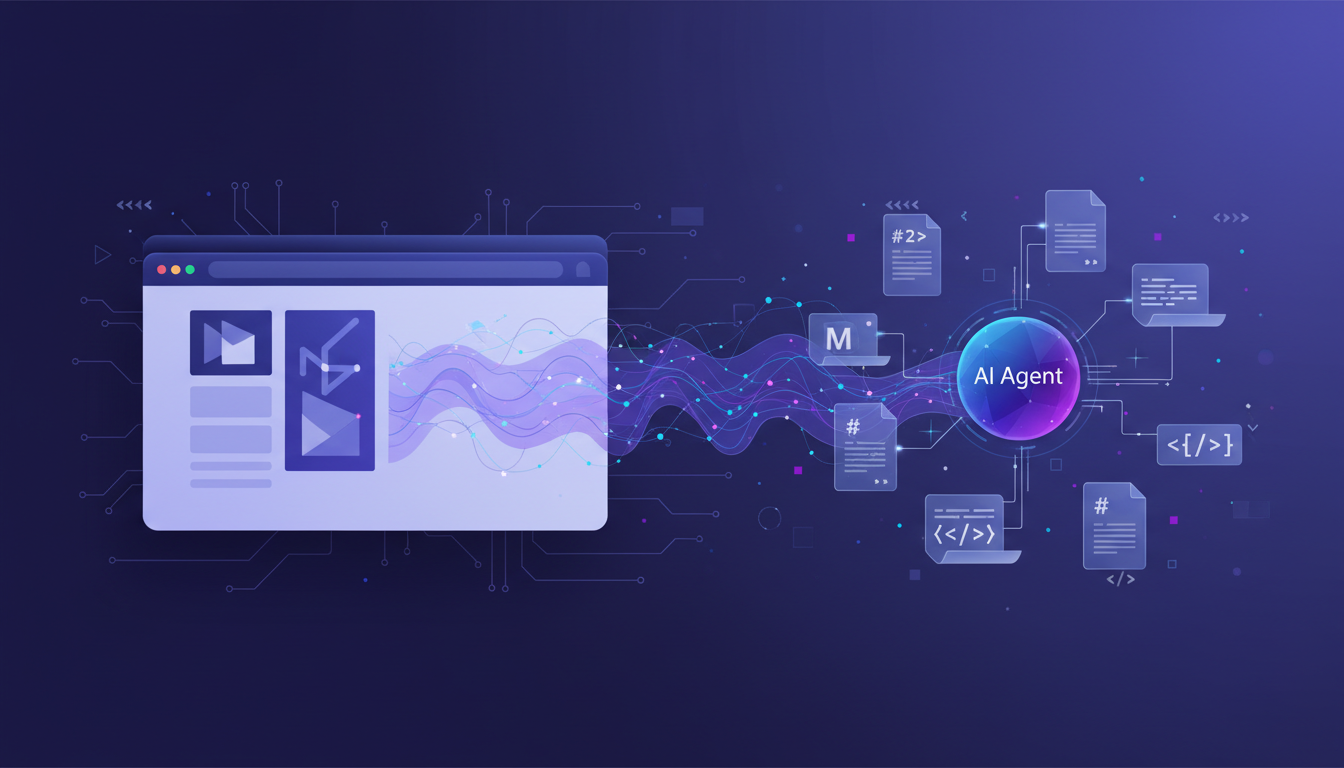
llms.txt V2 gives websites a standardized way to point agents from an HTML page to its Markdown equivalent and the llms.txt file that covers it. That can make agent navigation more explicit, but it does not make the file a Google ranking signal or prove that it will increase AI citations. We explain implementation, measurement, and who should act.
What Happened in Llms.txt V2
The update is a revision to the llms.txt proposal, not a new search-engine requirement. Its practical goal is straightforward: help an agent that has reached a web page find a clean Markdown version and understand which compact site guide applies to that page.
The news story published on August 17 focused on the new discovery links, but the underlying August 17 report followed the actual specification change by seven days. For content leaders, that distinction is useful. The event is a technical specification update, while the visibility outcome remains something to test rather than assume.
The V2 change log says the original proposal emerged in September 2024 and that the revision reflects two years of adoption. It also says thousands of sites publish a file, but it does not provide an audited count, market share, or evidence that publishing one produces citations. Treat that statement as an adoption signal, not a performance benchmark.
For a marketing team, the relevant question is not whether a new file exists. It is whether real buyer questions lead agents to retrieve and use your most authoritative pages. That is why prompt research should precede technical rollout: it identifies the questions worth testing before a team instruments new routes.
What Llms.txt V2 Changes for Agent Discovery
V2 preserves the idea of a concise, curated map of a site, then makes the path from a page to richer machine-readable content more explicit. It also clarifies rules that had been interpreted differently by publishing systems.
Two Markdown URL Patterns
A website can now expose a Markdown version by appending .md to an existing filename, such as /guide.html.md, or by replacing the extension, such as /guide.md. This matters because teams do not need to force every content system into one URL structure merely to align with the proposal.
Two Link Relations
The update recommends rel="alternate" type="text/markdown" for a page's Markdown representation and rel="describedby" for the applicable llms.txt file. These are not invented V2 labels. The IANA registry lists both relationship types, while the proposal applies them to agent-oriented content discovery.
Two Delivery Methods
Teams can add those links as HTML <link> elements or send them in an HTTP Link header. The header route is especially useful when a CDN or server layer can add the relationship without changing every page template.
| Discovery Element | Earlier Convention | Llms.txt V2 Clarification | Practical Decision |
|---|---|---|---|
| Markdown route | Appending .md was specified | Appending or replacing an extension is allowed | Keep the route your platform can maintain consistently |
| Page to Markdown connection | Agents could infer or guess the route | alternate can declare the Markdown equivalent | Add it where a true equivalent exists |
| Page to guide connection | Coverage was less explicit | describedby can identify the applicable file | Use the most specific guide for each content area |
| Optional links | Could carry tool-specific meaning | Remain a secondary-link convention | Do not depend on automatic exclusion behavior |
V2 also defines subpath coverage: an llms.txt file can sit under a directory and describe URLs below that directory, with the most specific applicable file taking precedence. That makes a large documentation area easier to manage without turning one root file into a generic catalog. When evaluating results across models, use cross-engine tracking because one agent's retrieval behavior does not establish another agent's behavior.
Why Llms.txt V2 Does Not Create a Google Visibility Signal
The most important guardrail is simple: a better route to Markdown is not the same thing as a ranking system endorsement. V2 can be helpful for agents and documentation workflows that consume the convention, but visibility in AI answers still depends on the systems, sources, prompts, and user context involved.
Google's current AI optimization guidance says Google Search does not use llms.txt, special AI files, or Markdown as special inputs for Search visibility or rankings. It also says maintaining the file neither helps nor harms rankings. Teams targeting Google AI Overviews or AI Mode should therefore keep the basics central: accessible pages, indexability, original information, and content that answers the user's need.
Chrome's Lighthouse documentation offers a different, narrower signal. Its Lighthouse audit checks whether retrieving an llms.txt file causes a server error, while a missing file returning a 404 is marked not applicable because the file is optional. That validates basic availability, not citation performance or the new V2 relations.
| Signal | What It Can Show | What It Cannot Show | Best Next Step |
|---|---|---|---|
| Valid llms.txt response | A guide is reachable | That an AI answer engine used it | Test retrieval with controlled prompts |
| Markdown alternate link | A declared Markdown equivalent exists | That the page gained a citation | Compare answers before and after rollout |
describedby relationship | A page is associated with a guide | That Google changed ranking behavior | Monitor visibility by engine and prompt |
| Lighthouse result | No retrieval server error in that audit | Content quality or buyer relevance | Combine technical checks with answer reviews |
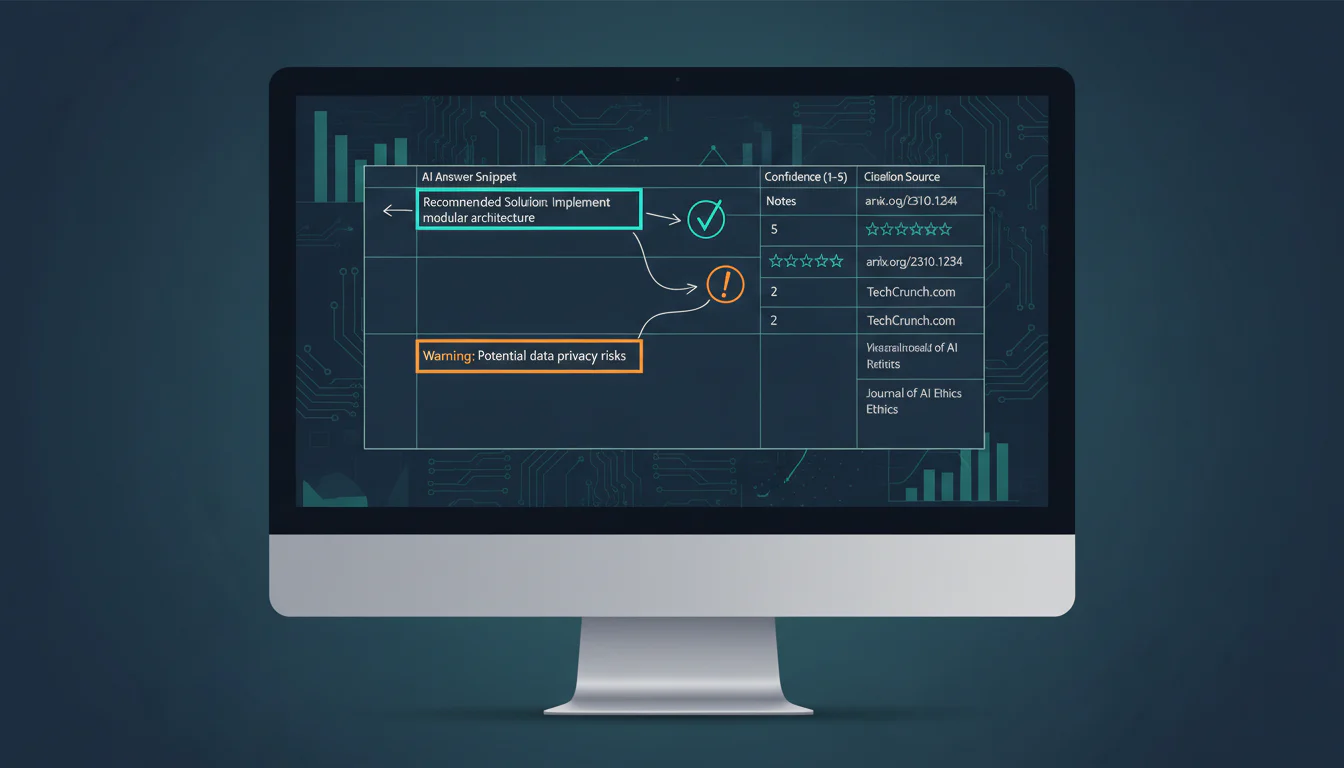
A defensible AI visibility program records what the model said, which sources it cited, and whether the answer actually matched a buyer's question. Our guide to a visibility system explains that broader measurement model, while citation context helps teams separate a bare URL appearance from a meaningful recommendation.
How to Implement and Measure the Update
A V2 rollout should be small enough to validate and deliberate enough to maintain. Start with a high-value documentation, product, or resource section where the Markdown version can remain accurate, useful, and aligned with the HTML page. Do not generate a second format simply because it sounds agent-ready.
Set a Clear Content Scope
Choose the pages that explain your category, product, processes, or policies best. Then decide whether a root file, subdirectory file, or both fits the actual site structure.
- Choose a scope: Start with priority pages rather than every URL in the sitemap.
- Match the content: Keep HTML and Markdown facts, dates, and claims consistent.
- Define ownership: Give one team responsibility for updates after content, product, or policy changes.
Set a brand monitoring baseline before the release. Record the current answer, source URLs, recommendation language, and date before changing technical routes. Without that baseline, a later improvement or decline is easy to misattribute.
Validate the Technical Path
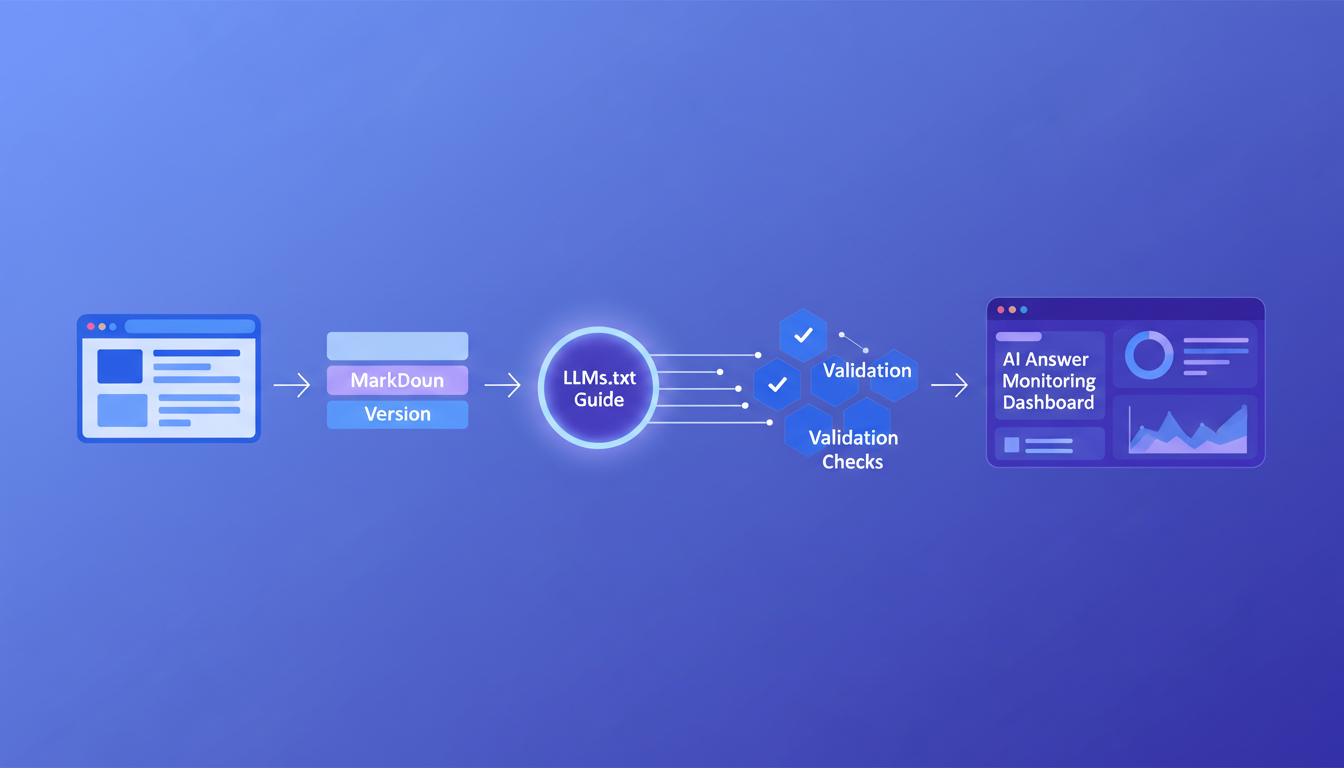
Confirm each selected HTML page returns a working Markdown alternative, exposes the appropriate relationship, and points to the correct llms.txt coverage file. Include response-header checks when links are supplied at the CDN or server layer.
Measure Outcomes Separately
Track technical retrieval, brand mention, citation, answer sentiment, and conversion signals as separate measures. A visible technical change is not evidence of a commercial result.
Use dashboard signals to define the fields each prompt run should capture. Then review recommendation language alongside citations, because an answer can cite a page while framing the brand neutrally, inaccurately, or not at all.
Why PageLens.ai Belongs in the Measurement Loop
At PageLens.ai, we think an infrastructure change deserves an evidence trail, not a victory lap. We help marketing, growth, SEO, and content teams turn that trail into a repeatable view of how their brand appears across AI answers. Our work starts with a defined prompt set, a clear baseline, and a record of the pages and citations that shaped each answer. That makes it easier to distinguish a temporary wording shift from a meaningful visibility pattern. We then use those findings to help teams prioritize the content, source coverage, and technical checks worth testing next. Our methodology keeps the process tied to observable answers rather than unsupported promises. That preserves a useful record when multiple content changes land together. If your team wants a disciplined way to monitor the result of a V2 rollout alongside broader AI visibility, Book a demo.
FAQs on Llms.txt V2
Is Llms.txt V2 a Google Ranking Factor?
No. Google says it ignores llms.txt for Search rankings and visibility. V2 may help agents using the convention, but it adds no Google eligibility advantage.
Do We Need to Replace Our Existing File?
Usually, no. Keep the existing file if it works. Add V2 relations only when you can maintain accurate Markdown equivalents across your priority pages consistently.
Can a Subdirectory Use Its Own Llms.txt File?
Yes. A V2 file can cover URLs below its path. When files overlap, agents should choose the most specific applicable file for that section of the site.
What Should We Measure After Publishing?
Track retrieval separately from mentions, citation context, recommendation language, and conversions. Repeat identical prompts and log every answer's sources, locations, and dates consistently over time.