
Which Daily AI Visibility Tracking Alternatives Fit Your Workflow?

TL;DR
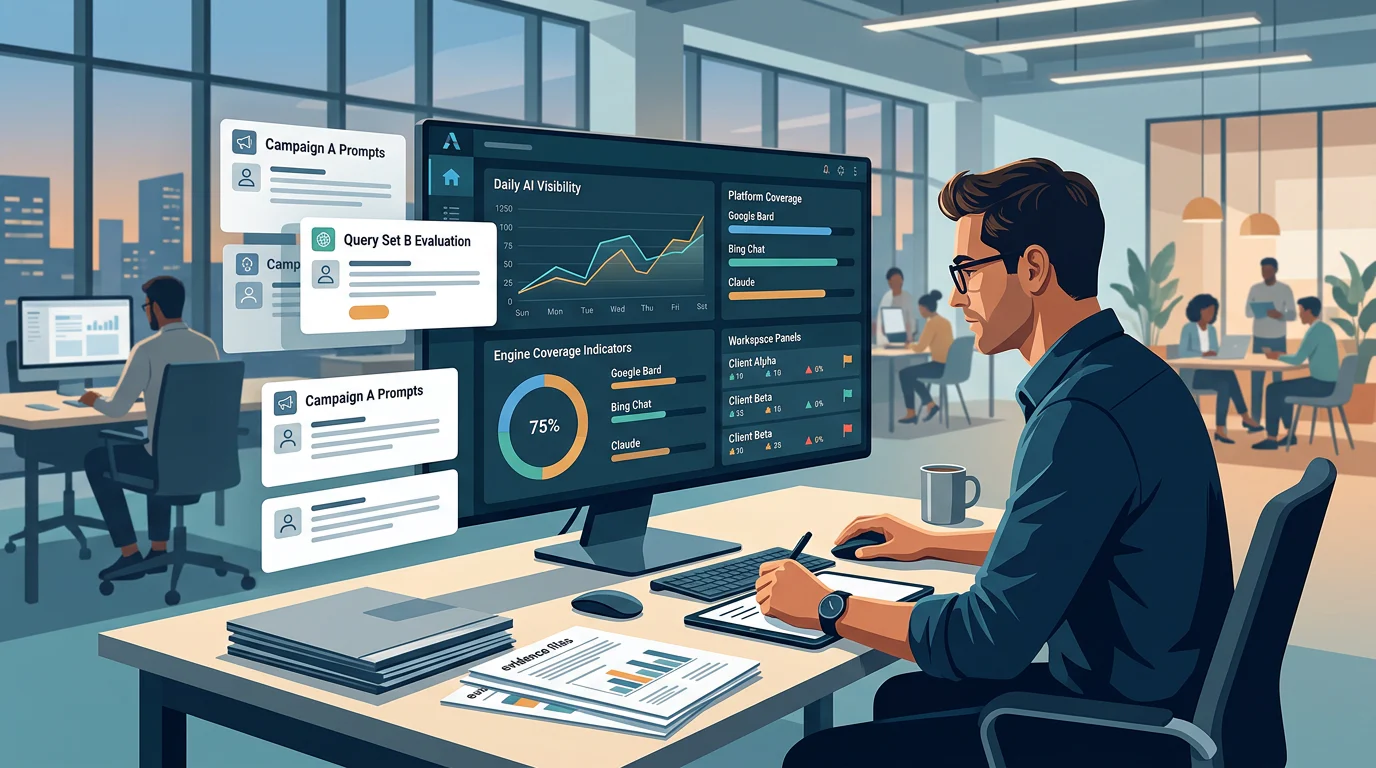
Daily AI visibility tracking alternatives should be compared on the work they actually perform, not introductory prices. We show how we qualify daily monitoring, normalize prompt, engine, brand, and reporting requirements, choose a workflow by switching reason, preserve a baseline during migration, and evaluate PageLens.ai for daily or multi-client operations.
Which Daily AI Visibility Tracking Alternatives Fit Your Workflow?
A new monitoring plan should reflect the scale of AI search: 2.5 billion monthly users now use AI Overviews, according to a June 2026 public update. What matters operationally is whether your team can measure the buyer prompts that influence its decisions.
Daily AI visibility tracking alternatives fit different workflow failures. Choose a lower-cost option only when it covers the same prompts, engines, brands, daily refreshes, evidence retention, and reporting need; agencies should require isolated workspaces, and analysts should require saved answers, citations, sentiment, competitor context, and exports.
Below, we explain how we qualify daily monitoring, compare costs at a matched workload, and choose a workflow by the reason to switch. The goal is a defensible monitoring system, not a cheaper-looking plan that creates more manual work.
How We Compare Daily AI Visibility Tracking Alternatives
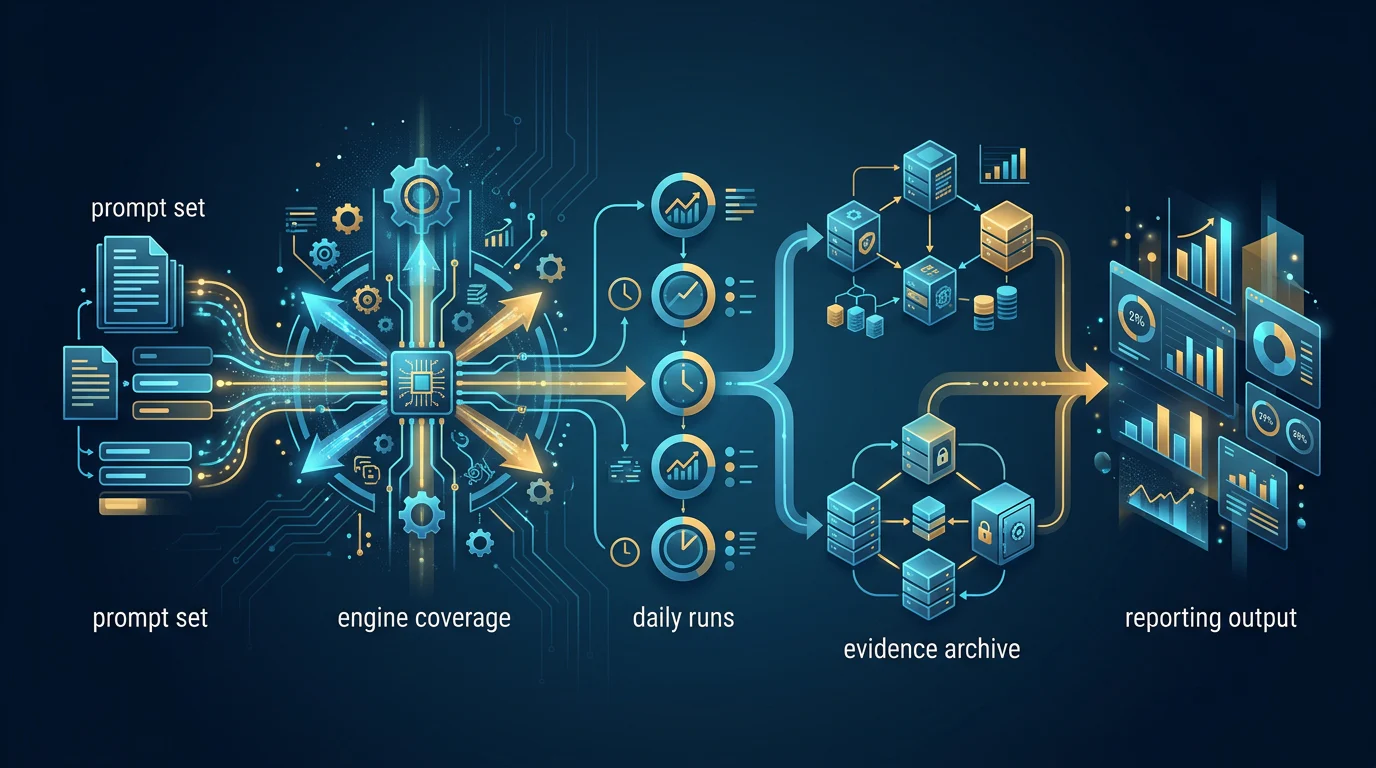
A daily tracker is only useful when the data it collects can change a decision. We start with the agreed buyer-prompt set, then keep the engine mix, market, brand entities, competitors, and run conditions stable enough to make movement interpretable.
The Daily Qualification Rule
We classify a plan as daily only when it can run every approved prompt across every required answer engine once each calendar day. Weekly monitoring, unpriced engine add-ons, or a dashboard that cannot preserve the answer behind a score do not meet that rule.
The comparison must also record the conditions of every observation. A useful record includes the prompt, market, engine, timestamp, full answer, cited sources, and method used to score the result. Without those fields, a trend can look precise while remaining impossible to investigate.
Public guidance on third-party measurement tools cautions that they do not have access to internal ranking or AI systems. We therefore treat daily monitoring as reproducible observation, not a promise of a fixed ranking, and use our engine signals framework to separate mentions, citations, recommendation position, sentiment, and competitor share of voice.
The Five Switch Triggers
Teams usually replace a monitoring workflow for one of five reasons: scaling prompt volume, needing broader engine coverage, managing several client brands, investigating answer-level evidence, or turning findings into action. A feature list cannot settle those needs without showing what is included in the plan being considered.
A team with one product and a focused market may need only a stable set of commercial prompts and clear evidence. An agency with several clients needs different prompt libraries, reporting audiences, and permissions for each brand. Both teams can use daily data, but they should not buy the same operating model by default.
Prompt quantity should follow decision value, not dashboard capacity. Start with category discovery, alternatives, comparisons, implementation questions, objections, and product-fit questions, then refine the set when the team can explain what changed and why.
We build a buyer prompt library before measuring tools because a larger prompt allowance has little value if the prompts do not represent real category, comparison, implementation, and objection questions.
The Evidence Test
A visible score is useful for scanning change, but it cannot explain why the score moved or whether the answer carried positive recommendation language. The analyst needs the underlying response to distinguish a genuine brand change from a different prompt condition, retrieval pattern, or response style.
Evidence should also survive the reporting cycle. If a client or executive asks why a result changed, the team should be able to retrieve the answer, citations, selected competitor set, and annotation from that reporting period without rebuilding the analysis manually.
Matched Workload Cost Comparison
Entry price is not the same as matched monthly cost. We normalize the workload to 100 prompts, one brand, daily refreshes, the listed engine coverage, and 30 days, then check whether the plan also includes the evidence and reporting the team needs.
Our current pricing page lists daily plans with different capacity and scope. The calculated cost per 1,000 observed answers below is a comparison normalization, not an advertised unit price.
| Plan | Cadence | Listed Engine Coverage | Prompt Allowance | Brand Limit | Daily Answer Capacity | Published Monthly Price | Normalized Cost at Full Daily Capacity |
|---|---|---|---|---|---|---|---|
| PageLens.ai Growth | Daily | Five listed answer engines | 100 | One website | 500 | $699 | $46.60 per 1,000 observed answers |
| PageLens.ai Enterprise | Daily | Seven listed answer engines | 200 | One website | 1,400 | $1,499 | $35.69 per 1,000 observed answers |
| PageLens.ai Agency | Flexible by scope | All listed answer engines | Custom | Multiple client websites | Custom | Custom | Requires a written matched-workload quote |
| Weekly-only plan | Does not qualify | Varies | Varies | Varies | Varies | Varies | Exclude from a daily comparison |
For Growth, the normalization is 100 prompts multiplied by five engines multiplied by 30 days, or 15,000 observations. For Enterprise, it is 200 prompts multiplied by seven engines multiplied by 30 days, or 42,000 observations.
A fair cost comparison also includes seats, exports, scheduled reports, client branding, additional domains, and retention rights. It should name every required add-on before the team accepts an entry price as the likely recurring cost.
The calculation is most useful when it changes a purchase decision. If an agency needs eight distinct client reporting environments, for example, a one-brand price is a starting point for discovery, not a portfolio budget. Our 100-prompt comparison shows why a manual spreadsheet or a low-scope plan should not be treated as equivalent to a daily evidence workflow.
Which Alternative Fits Each Switching Reason
The right choice is not a universal winner. It is the workflow that removes the bottleneck your team actually has, without forcing you to buy capacity or services you will not use.
| Switching Reason | Minimum Requirement | Poor Fit When | Decision Test |
|---|---|---|---|
| Lower monthly spend | Daily coverage for the required prompts and engines | Required engines or evidence are paid extras | Compare all-in monthly scope |
| Multiple client brands | Separate workspaces and client-specific reporting | Raw client data appears in a shared export | Test one client-only report |
| Analyst evidence | Saved answers, citations, sentiment, competitors, exports | The platform shows only aggregate scores | Retrieve a prior answer on demand |
| Workflow execution | Recommendations and accountable follow-up | Measurement is bundled with unwanted services | Define who owns the next action |
Lower-Cost Daily Monitoring
A lower-cost option fits when your required prompt set and engine mix are narrow, the full answer can still be reviewed, and the reported price includes daily runs. Ask for the all-in scope before making a cheaper claim, especially where engine coverage, exports, or answer capacity may change the bill.
Keep the first workload small enough to review. Fifty strong buyer prompts with a documented response archive can be more useful than hundreds of untriaged prompts that generate another dashboard.
Analyst Evidence and Exports
Analysts should prioritize verbatim answer history, cited-source storage, sentiment, competitor tracking, annotations, and exportability. A report should show the question, answer, engine, date, citations, denominator, and selected competitor set beside the trend.
That standard protects the team from drawing conclusions from an unexplained score. Our evidence standard keeps raw answers and recommendation language in view so a stakeholder can inspect what the model actually said.
Multi-Client Brand Operations
Agencies need a client boundary, not merely the ability to add several domains. Each workspace should separate prompts, competitors, raw answers, report recipients, exports, and approvals while still allowing leaders to see a portfolio view.
The most important test is simple: can an account lead send one client only that client’s evidence without manual cleanup? If not, the workflow becomes slower as the client portfolio grows, regardless of how polished the dashboard appears.
Role-based access also matters when analysts, account leads, and client reviewers need different permissions. It reduces the risk that one brand’s prompt set, sources, or reporting notes reach another brand’s audience.
Monitoring That Leads to Execution
Some teams only need measurement, while others need recommendations, content production, technical work, and remeasurement after a change. Treat that as a separate buying criterion so a monitoring requirement does not quietly become an unwanted content-suite commitment.
We recommend defining the measurement boundary first, then assigning ownership for the next action. Our agency workflow helps teams evaluate client isolation, reporting operations, and the evidence needed to turn daily observations into accountable work.
Move Without Breaking Your Baseline
Migration succeeds when the baseline moves with the team. Exporting a score alone is not enough because it loses the prompts, answer text, citations, and conditions that make past movement explainable.

Use a parallel run before ending the existing process. It gives your team time to spot prompt mismatches, missing client permissions, inconsistent engine settings, or reports that omit the raw evidence a client expects.
- Export The Prompt Library: Preserve prompt text, tags, market settings, owner, and the business reason each prompt is tracked.
- Preserve Historical Evidence: Export available answers, citations, sentiment labels, competitor sets, annotations, and report date ranges.
- Rebuild Client Boundaries: Create client-specific workspaces, users, recipients, approval roles, and reporting views before importing data.
- Run A Parallel Validation: Compare the same prompts and conditions on scheduled daily runs, then document differences before changing the baseline.
- Confirm Offboarding Rights: Stop old scheduled checks only after exports, retention obligations, user removal, and billing handoff are complete.
The goal is continuity, not perfect numerical agreement on day one. Different collection methods can produce different response wording, so the team should preserve the old baseline, mark the transition date, and investigate material variances before publishing a new trend line.
Our migration checklist helps agencies make those steps repeatable. Dedicated Search reports can add page, country, device, and date context for one search surface, but they do not replace cross-engine answer evidence.
Why PageLens.ai Fits Daily Monitoring Workflows
PageLens.ai is for marketing, growth, SEO, and content leaders who need daily evidence to lead to a decision. We bring buyer prompts, complete answers, cited sources, sentiment, competitors, and trend context into one operating view. Our published Growth plan supports 100 tracked prompts and 500 AI answers each day, while Agency coverage is configured for multiple client websites, flexible cadence, shared prompt pools, and white-label delivery.
We start with the workload you must actually run, then help you test the prompt set, answer evidence, client boundaries, reporting recipients, and commercial terms before a migration. That conversation is particularly useful when you need a written scope for several brands or need monitoring to turn into content and technical work. Review our PageLens pricing for published plan details, then bring your required engines, prompt volume, and reporting expectations to us. When you are ready to map the operating model, Book a demo
FAQs on Daily AI Visibility Tracking Alternatives
These questions cover the buying details that most often distort a daily monitoring comparison. The answers focus on the evidence and workload a team should preserve.
How Do We Define Daily Tracking?
Daily tracking runs every approved prompt, engine, market, and brand once per calendar day, retaining a reviewable answer record instead of only a dashboard score.
What Is a Matched Monthly Cost?
It is the subscription charge required to run the same prompts, engines, brands, refresh frequency, users, evidence retention, and reporting scope during one normalized month.
Why Do Agencies Need Separate Workspaces?
Separate workspaces keep client prompts, competitors, answer history, exports, recipients, and approvals isolated, preventing one client’s data from appearing in another client report or review.
Can We Migrate Without Losing History?
Yes. Export prompts, run conditions, answers, citations, tags, competitor sets, annotations, and recipients, then validate the replacement workflow through scheduled parallel daily runs before changing reports.