
AI Visibility Tools for One or Multiple Websites
Compare AI visibility tools for one or multiple websites by prompts, engines, client reporting, access control, workload, and cost.

AI answer visibility now deserves its own operating system. ChatGPT had more than 900 million weekly users in April 2026, a useful scale marker for teams deciding whether manual answer checks are still adequate.
AI visibility tools for one or multiple websites should be chosen by operating scope, not by the longest feature list. A single-site team needs repeatable prompts, response evidence, citations, competitor comparisons, and an upgrade path. A multi-site portfolio also needs isolated projects, controlled access, client reporting, exports, alerts, and predictable volume pricing.
This comparison explains the scope decision, the public plan data to compare, the workload math behind an eight-client setup, and a practical trial that tests the operational details a feature grid can miss.
Define Scope Before Comparing Tools
A single website and an agency portfolio can both need AI-answer monitoring, but they produce different work. One in-house team mainly needs to learn where its brand appears, which sources are cited, and how answers change over time. A portfolio team has to repeat that work without mixing client data, rebuilding reports, or creating a new manual process for every domain.
Engine coverage alone does not settle the choice. Google documentation explains that AI Overviews do not trigger for every query and can differ from AI Mode, so we compare each engine separately rather than flattening everything into one visibility score. The useful question is whether the platform can preserve consistent prompts, response evidence, and reporting for the work you actually run.
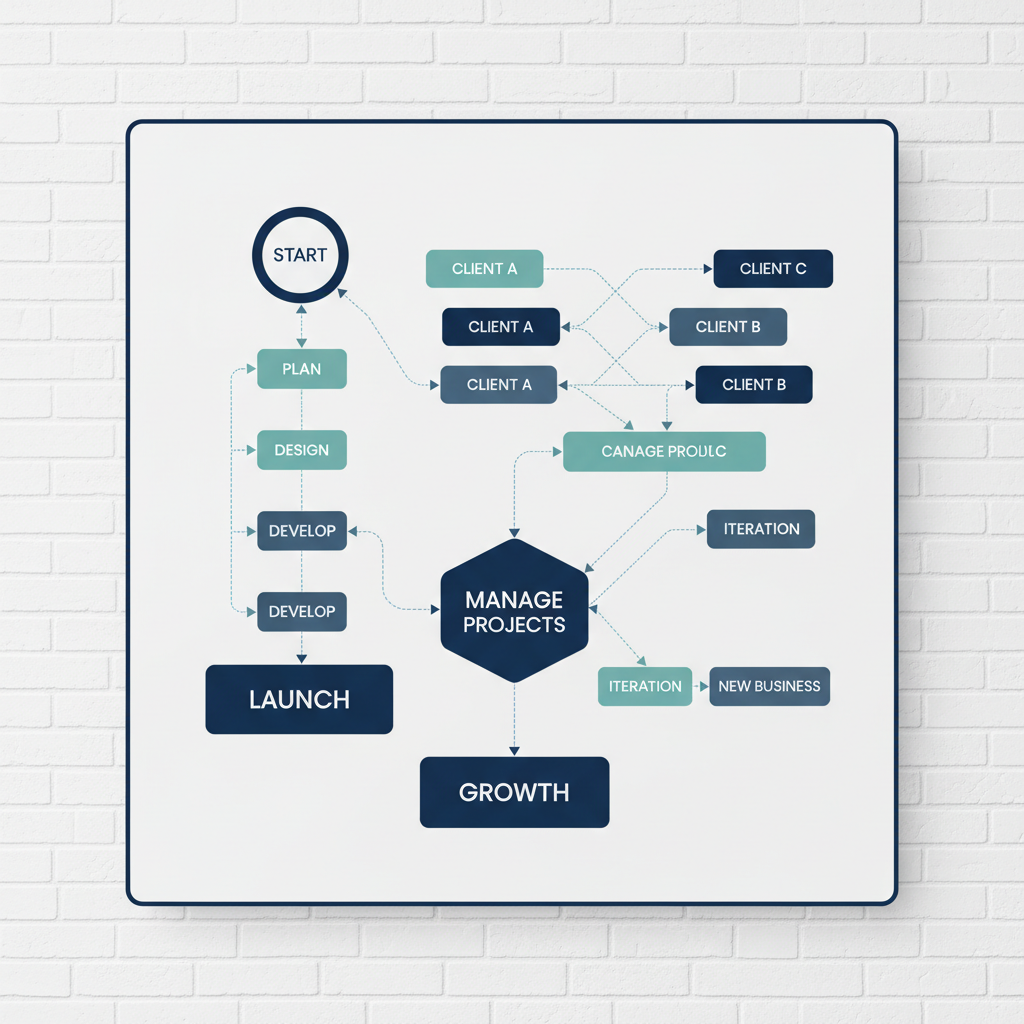
Start with the reporting audience. One domain with one internal audience usually calls for a focused setup. Multiple distinct client domains, permissions, recurring client deliverables, or a need to compare aggregate performance calls for a portfolio workflow. The quality of the prompt set matters in both cases, which is why we treat prompt research as the foundation before choosing a plan.
Meet Single-Site Requirements Without Overbuying
For one site, the first goal is a dependable baseline. We recommend a fixed set of buyer prompts, a defined competitor set, a documented refresh cadence, and a response view that lets your team inspect what the model actually said. A dashboard should make the work faster, not hide the underlying answer.
Our Monitor plan is currently published at $49 per month for 50 daily ChatGPT prompts, with competitor share of voice, sentiment, and citations. That is a focused starting point for teams that need a repeatable view before expanding their engine mix. For a deeper setup, our Optimize plan publishes 100 daily prompts across ChatGPT, Google AI, and Perplexity. Our single-site workflow explains how to use that baseline without turning early monitoring into a reporting burden.
A score is only useful when its evidence is available. In ChatGPT Search, answers can show inline citations or a Sources panel, according to OpenAI guidance. We therefore separate a mention from a citation, record recommendation position only when an answer presents an ordered list, and retain the phrase behind any sentiment label. That approach gives a content or SEO lead something specific to investigate, rather than a metric that cannot be reproduced.
For single-site work, use these definitions consistently:
- Mention: The normalized brand or product entity appears in the answer.
- Citation: The response links to or lists a source. Track citations to your own domain separately.
- Recommendation Position: An ordinal placement only when the response explicitly ranks or lists options.
- Sentiment: The model’s descriptive language about the brand, supported by the exact phrase.
- Share Of Voice: The brand’s appearance rate against named alternatives, with prompts, engines, and date range disclosed.
When a source matters as much as the mention, use citation tracking to distinguish visibility from evidence that your own pages are being cited.
Add Portfolio Controls for Multiple Client Sites
An eight-client portfolio is not simply eight single-site dashboards. It is an operational system with client boundaries, distinct prompt libraries, different engine priorities, and stakeholders who need proof that their report contains only their data. We recommend choosing this scope as soon as client-facing reporting or delegated access becomes routine.

Separate Client Projects from the Start
Each client needs its own domain, prompt set, competitor set, engine configuration, annotations, and response history. The trial should prove that a user assigned to Client A cannot browse Client B prompts, answers, or reports. We do not treat a shared workspace as proof of restricted access, because access control must be demonstrated in the actual account configuration.
Our published agency coverage supports unlimited client sites in one workspace, with prompts, models, and cadence configured per client. That gives an agency a flexible commercial starting point, but it does not remove the need to test client-specific permissions. Use our multi-client guide to map each client’s inputs before configuring a shared program.
Build Reports for Clients and Operators
A useful client report should show the selected prompt set, engine, response evidence, owned-domain citations, and plain-language annotations for meaningful changes. An internal portfolio rollup should answer a different question: where should the agency investigate first across all active accounts?
Look for scheduled exports, client-level dashboards, branding controls, annotations, and a portfolio rollup. Ask whether an export can preserve the raw answer link and cited-source context. A visual score may be useful in a meeting, but it should not become the only artifact a client receives.
Keep Engine Choices Relevant to Each Client
Not every client needs every engine on day one. A portfolio platform should let you select engines by account and explain the workload created by each additional check. That protects budget while preserving a comparable method across the accounts that do share an engine mix.
Agency Workspace
├── Client A Project
│   ├── Prompt Library
│   ├── Engine Checks
│   └── Client Report
├── Client B Project
│   ├── Prompt Library
│   ├── Engine Checks
│   └── Client Report
└── Portfolio Rollup
    ├── Cross-Client Trends
    └── Internal Priorities
A consistent multi-engine method keeps this architecture useful when different clients need different coverage.
Compare Public Capacity and Evidence
The comparison table should separate public facts from capabilities that require a live demonstration. Our pricing page currently lists the following scope, prompt, and cadence information. We mark a field as not publicly stated when we have not published it, rather than filling the gap with an assumption.
| Plan | Price Verified August 9, 2026 | Included Sites | Prompts | Engines | Competitor Metric | Seats | Refresh | History | Exports | Alerts | Best Scope |
|---|---|---|---|---|---|---|---|---|---|---|---|
| Our Monitor Plan | $49 per month | One | 50 | ChatGPT | Share of voice | Not publicly stated | Daily | Trend view stated, retention not stated | Not publicly stated | Not publicly stated | Focused single-site baseline |
| Our Optimize Plan | $199 per month | One | 100 | ChatGPT, Google AI, Perplexity | Included from Monitor | Not publicly stated | Daily | Trend view stated, retention not stated | Not publicly stated | Not publicly stated | Single site needing core engine coverage |
| Our Agency Coverage | From $49 per month, volume based | Unlimited client sites | Configurable | Configurable per client | Confirm during demo | Not publicly stated | Configurable | Confirm during demo | Multi-client reporting stated, export format not stated | Confirm during demo | Client portfolio operations |
The important comparison is not whether every row has the same count of features. It is whether each row can document the same five signals: mention, citation, recommendation position, sentiment, and competitor share of voice. A platform that shows only a summary score cannot replace the response-level evidence a team needs to explain a change.
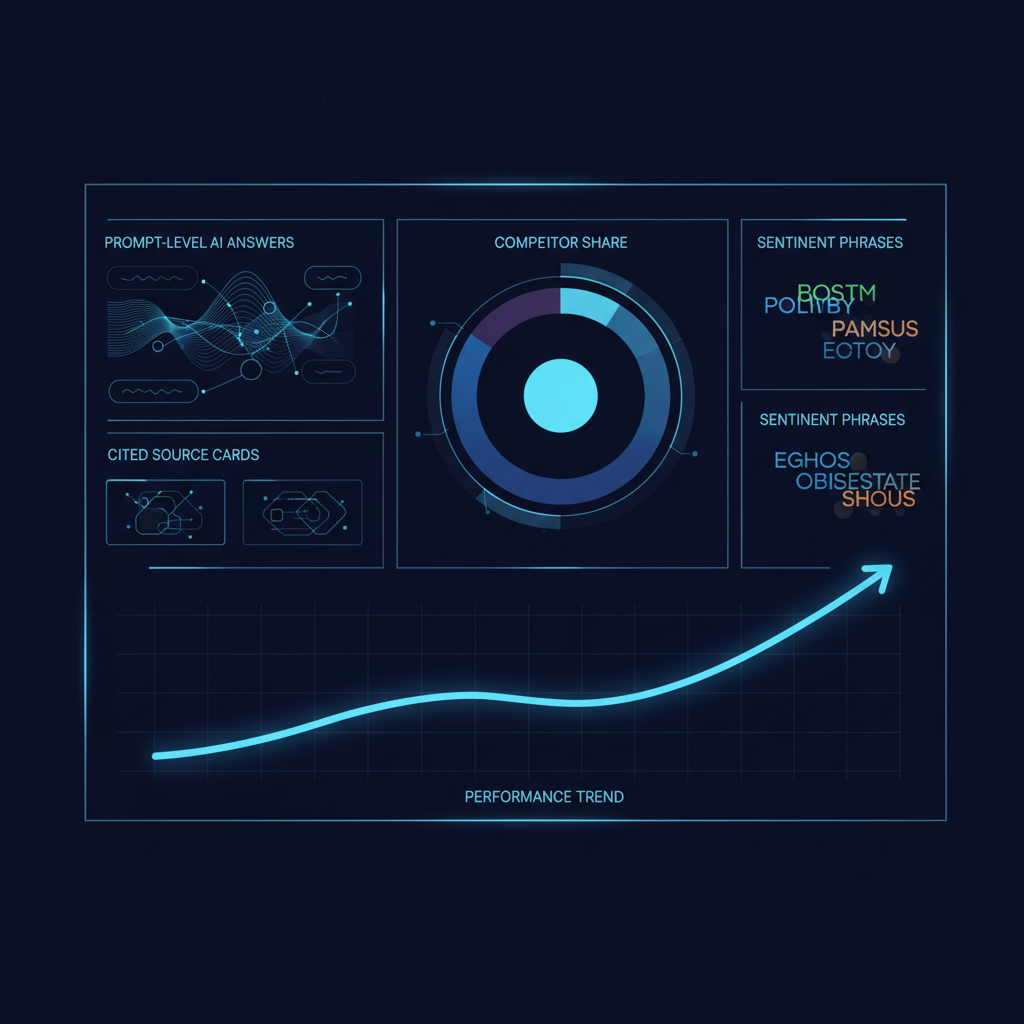
Use a visibility comparison to keep the test fair. Run the same prompts, note the same time window, preserve the raw responses, and compare the reporting workflow alongside the tracking data.
Compare Cost and Run a Trial
Subscription price is incomplete without workload. Daily monitoring for eight clients can create a large number of answer checks even before you add competitors, new prompt themes, or more engines. Calculate that volume before interpreting any advertised starting price.
| Scope | Sites | Prompts Per Site | Engines | Daily Refreshes | Monthly Answer Checks |
|---|---|---|---|---|---|
| Focused Single-Site Baseline | 1 | 50 | 1 | 30 | 1,500 |
| Eight-Client Core Coverage | 8 | 50 | 3 | 30 | 36,000 |
| Eight-Client Expanded Coverage | 8 | 100 | 3 | 30 | 72,000 |
Calculate the True Monthly Cost
Monthly answer checks equal sites multiplied by prompts per site, engines, and refreshes per month. Then add the subscription, site fees, prompt overages, engine fees, user fees, reporting or branding fees, and any export or API charges. This model makes a one-site plan and a portfolio plan comparable on the actual work they support.
Our agency pricing begins from $49 per month and follows selected volume, so we do not present that entry point as the total cost of an eight-client deployment. Request a quote using your real domains, prompt volume, engine mix, and user count.
Run Seven Proof Tasks
A trial should test operations, not just the dashboard. Build the prompt set from a documented buyer prompt dataset, then score each task as 0 for absent, 1 for manual or partial, and 2 for demonstrated with evidence.
- Create A Client Project: Add one client domain and a test user assigned only to that project.
- Import Buyer Prompts: Upload a fixed prompt set and tag prompts by topic.
- Run Engine Checks: Inspect saved answers across the agreed engines.
- Verify The Signals: Confirm mentions, owned-domain citations, recommendation position, sentiment phrases, and the share-of-voice denominator.
- Test An Alert: Change a test threshold and confirm the delivered alert identifies the correct client project.
- Export A Report: Check client branding, annotations, response evidence, and cited-source context.
- Add Another Site: Measure setup time and request the resulting monthly quote.
Score the Result Before You Buy
A practical threshold is simple: a tool should demonstrate the work your team will perform every month, not merely promise it on a sales call. The result should include a clean client boundary, saved answer evidence, usable reporting, and a cost calculation that still works when prompt volume grows.
For ongoing operations, connect the selected workflow to automated monitoring so that routine checks do not become a new manual spreadsheet process.
Why We Built PageLens.ai for Scope-Based Visibility Tracking
At PageLens.ai, we help marketing, growth, SEO, and content leaders turn AI-answer monitoring into a practical operating routine. We begin with the buyer prompts that matter, capture what each engine actually says, trace cited sources, and make changes visible over time. For a single site, we can help you establish a clean daily baseline without forcing a portfolio workflow into the process. For an agency or in-house team with many properties, we can configure coverage per client, protect the reporting logic, and focus discussion on evidence rather than a vague score. Our team will walk through the scope, prompt volume, engine mix, reporting needs, and price structure that fit your program. Before choosing a plan, we also show how to verify access restrictions, exports, alerts, and raw answer evidence with the people who will use it. If you want to test the workflow against your client set, Book a demo.
FAQs on AI Visibility Tools for One or Multiple Websites
These answers help teams match tracking scope to the proof, reporting, and workload their visibility program requires.
Can One Tool Track AI Visibility Across Multiple Client Sites?
Yes, provided it keeps each client in a separate project, preserves response evidence, controls access, supports individual reporting, and prices prompt and engine volume predictably.
What Should a Single-Site ChatGPT Visibility Tracker Include?
For one website, start with recurring buyer prompts, saved answers, owned-domain citation checks, competitor context, a clear cadence, and enough capacity to learn before expanding engines.
How Should Agencies Compare AI Monitoring Costs?
Compare monthly workload before subscription prices. Multiply sites, prompts, engines, and refreshes, then test user access, exports, alerts, and client reporting during a real trial.