


TL;DR
The right ChatGPT visibility tool depends on the workload it must replace. For one site, scheduled prompts, raw responses, mentions, citations, and simple history can be enough; an eight-client team also needs client separation, reusable prompt sets, competitor lists, consolidated reporting, permissions, alerts, and defensible evidence. We compare the workload thresholds, evidence standards, capacity limits, and labor costs that make a monitoring setup usable.
AI answer monitoring is a measurement problem before it is a software problem. A research benchmark found that some GEO methods raised visibility by up to 40%, though results varied by domain and method.
The right ChatGPT visibility tool depends on the workload it must replace. For one site, scheduled prompts, raw responses, mentions, citations, and simple history can be enough. For an eight-client SEO team, the tool must also support client separation, reusable prompt sets, competitor lists, consolidated reporting, permissions, alerts, and defensible evidence.
We compare the workload thresholds, evidence standards, capacity limits, and labor costs that make a monitoring setup useful. The goal is to help SEO teams choose a level of coverage they can actually operate.
Which ChatGPT Visibility Tool Fits One Site, a Growing Portfolio, or Eight Clients?
The best fit is rarely the platform with the longest feature list. It is the setup that preserves the answer evidence your team needs without creating more reporting work than the program can sustain.
A single SaaS site can begin with a narrow baseline, while an agency needs a portfolio structure from the first client. Our current pricing reflects that difference: Monitor covers one site and 50 daily ChatGPT prompts, while our Agency configuration supports unlimited client sites with coverage configured per client.
| Workload | Minimum Operating Need | Recommended Setup | Buying Decision |
|---|---|---|---|
| One Site, Early Validation | Priority prompts, raw answers, citations, basic history | Manual checks, then our Monitor plan | Choose ChatGPT-only coverage when it reflects where buyers actually research |
| Growing Portfolio | Separate prompts, competitors, and reporting views | Our Agency configuration | Confirm client isolation and user roles before rollout |
| Eight SaaS Clients | Consolidated reporting, reusable templates, alerts, portfolio review | Our Agency configuration with volume-based coverage | Price the recurring workload, not the entry price |
Manual checks are useful when you are still learning which buyer questions matter. Once a team needs a durable record of changes, a daily baseline becomes more useful than a collection of screenshots. Our single-site workflow shows how to move from ad hoc checks to a repeatable review process.

What Evidence Makes a ChatGPT Visibility Score Trustworthy?
A dashboard score is only useful when your team can inspect what produced it. ChatGPT Search may show inline citations or a Sources panel, and it can also rewrite a query when Memory is enabled, according to the ChatGPT Search guide. That means the response, context, and collection method matter as much as the percentage.
Capture the Actual Answer
We keep the prompt text, engine, date, answer, and cited sources together. A score without the response cannot show whether a brand was briefly named, actively recommended, or supported by a citation from its own domain.
Raw evidence also helps explain changes to clients. Instead of reporting that visibility fell, a team can show the prompts that changed, the alternatives that appeared, and the source pages that influenced the answer.
Separate Mentions from Recommendations
A mention is not automatically a recommendation. We classify a recommendation by the surrounding language, such as whether the answer positions a brand as a suitable choice, default option, or comparison winner.
Citations are a separate signal again. A cited source shows that an answer linked to or identified a source, while share of voice compares how often each tracked brand appears across the same prompt set. For deeper review, use exact model language alongside aggregate sentiment labels.
Preserve the Methodology
A trustworthy system documents the prompt version, target locale, search setting, brand aliases, competitor set, collection date, and matching rules. It should also explain whether it runs one observation or repeated observations before calculating a trend.
We recommend treating a dashboard as a decision aid, not a literal rank tracker. Models can vary from run to run, so response-level evidence and a consistent collection method are what make monitoring defensible. That review turns cited URLs into an actionable content decision instead of a decorative dashboard metric.

What Will Monitoring Cost After Labor?
Subscription price is only one part of monitoring cost. The real monthly figure includes setup, prompt maintenance, evidence review, reporting, and the time required to explain changes to a client or executive team.
Before pricing coverage, inspect the evidence you will need to explain it. Our source tracking guide shows how a source-level review connects an answer observation to a specific content or authority decision.
Our published limits provide a useful capacity baseline. Fifty daily prompts create 1,500 prompt-days in a 30-day month. One hundred daily prompts create 3,000 prompt-days. Eight clients with 50 daily prompts each create 12,000 prompt-days before a team adds repeat sampling or expanded engine coverage.
| Approach | Site Capacity | Prompt Capacity | Refresh | Evidence And Automation | Collaboration And Price |
|---|---|---|---|---|---|
| Manual Checks | Labor-limited | User-defined | Manual | Copied responses and source links | Shared file, software cost only |
| Our Monitor Plan | One Site | 50 prompts | Daily | Citations, sentiment, competitor share of voice | Public export and retention terms are not stated, $49 monthly |
| Our Optimize Plan | One Site | 100 prompts | Daily | Cross-engine coverage, prompt research, opportunity list | Public export and retention terms are not stated, $199 monthly |
| Our Agency Configuration | Unlimited Client Sites | Configurable | Configurable | Coverage configured per client | One workspace and multi-client reporting, volume-based pricing from $49 monthly |
Use a simple total-cost calculation: subscription price, plus setup labor amortized over the review period, plus monthly prompt maintenance, analysis, and reporting labor. For an eight-client operation, request a volume quote rather than multiplying a starter price, because prompt volume, engines, and cadence determine the actual workload.
If your team needs a worked example, our 100-prompt comparison shows why prompt volume changes both tool cost and operating effort. That makes it easier to price the program as an operating system, not as a line item for dashboard access.
Which Operating Workflow Makes Results Usable?
Monitoring becomes useful when it changes a content, positioning, or reporting decision. We start with buyer prompts, keep each client’s evidence separate, and report changes that a team can investigate rather than sending a monthly score with no explanation.
Start with Buyer Prompts
Choose prompts that reflect how a buyer asks for a solution, compares options, or assesses fit. Include category questions, use-case questions, alternatives, and comparison questions, then remove prompts that do not inform a decision.
Our buyer prompt research process helps teams distinguish genuine commercial questions from generic keywords. This prevents a broad prompt list from becoming a large, expensive set of observations nobody reviews.
Assign Client Boundaries
For portfolios, every client needs its own brand aliases, competitor set, prompt library, evidence archive, and report. A shared workspace can simplify management, but it does not automatically prove that one client cannot see another client’s data.
Require clear answers on permissions, exports, templates, alerting, and retention before client rollout. If a platform cannot demonstrate those controls, it may still work for internal research but not for client-facing reporting.
Report Decisions, Not Just Movement
A useful report identifies what changed, why it matters, and what the team will test next. Link a visibility change to the raw answer, cited source, competitor context, and relevant content action.
Google now provides generative-AI performance views to a subset of Search Console sites, including page, country, device, and time dimensions in its AI reporting update. We use that data as supporting context, while keeping answer-engine observations distinct from search traffic and conversion data. Our multi-engine method outlines that separation.
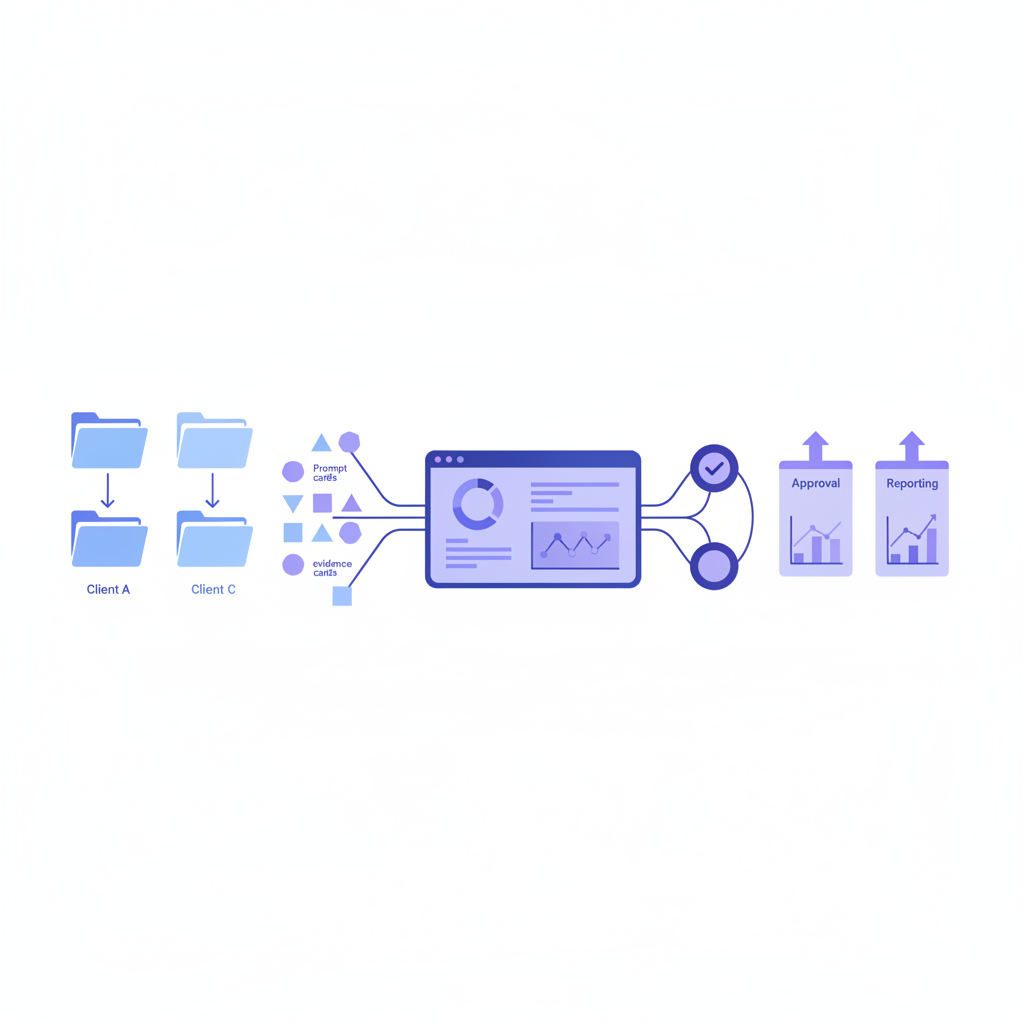
How PageLens.ai Helps You Choose with Confidence
Choosing a monitoring setup should not require betting your reporting process on a dashboard you cannot audit. At PageLens.ai, we help teams turn buyer prompts into answer evidence, then use that evidence to decide what to fix, report, or ignore. Our single-site plans give an early AEO program a baseline, while our agency configuration keeps multi-client work in one workspace with reporting configured around each client’s coverage.
We will walk through the workload, prompt mix, answer engines, and evidence your team needs before you commit. You can see the raw questions that matter, assess how your brand is described, and build a reporting rhythm that clients can understand. See our platform to understand how we organize the evidence. If you need a clearer view of what AI already says about a portfolio, we can help you scope it without pretending one entry price answers every requirement. Book a demo
FAQs on ChatGPT Visibility Tool
These FAQs answer common workload questions. They focus on evidence and operating requirements.
What Is the Best ChatGPT Visibility Tool for One Website?
For one website, use daily prompt monitoring when manual checks no longer preserve useful history. Cover commercial, category, and comparison questions before expanding prompt volume.
What Tool Tracks AI Visibility Across Multiple Client Sites?
A multi-client platform should separate each client’s prompts, competitors, evidence, and reports while allowing portfolio review. Confirm permissions, exports, alerts, and retention before subscribing formally.
What Is the Difference Between a Mention, Recommendation, and Citation?
A mention is a visible brand name. A recommendation includes favorable selection context, while a citation requires the answer to link to or identify a source.
How Should SEO Teams Estimate Eight-Client Monitoring Cost?
Use published limits to estimate prompt-days, then add setup, review, and reporting labor. For eight clients, request a volume quote instead of multiplying a starter price.