.png)
GitHub Copilot Adds 'Canvases' for AI Workflows: What It Means for AI Visibility


TL;DR
At PageLens.ai, we verified that GitHub introduced GitHub Copilot Canvases on June 2, 2026, and that the Copilot app became generally available June 17. We explain how these shared agent workspaces function, their current access conditions, and the measurable AI visibility workflow marketers should use without mistaking operations tooling for a ranking factor.
GitHub Copilot Adds 'Canvases' for AI Workflows: What It Means for AI Visibility
GitHub added Canvases to its Copilot app in June 2026, then made the desktop app generally available on June 17, 2026. We checked the original product record, current documentation, and the implications for marketing, growth, SEO, and content leaders tracking AI visibility.
GitHub Copilot Canvases are shared, bidirectional work surfaces in the Copilot app. GitHub introduced them on June 2, 2026, so people can inspect and steer plans, pull requests, terminals, browser sessions, and other workflow artifacts while an agent works. They improve operational visibility, not public AI search rankings.
We will separate the confirmed product change from the analysis it invites, then show how teams can use the same inspectable-work principle to measure AI answers with more discipline.
What Happened with GitHub Copilot Canvases
The cited news item correctly reported that GitHub had added Canvases. The important clarification is timing: GitHub announced the capability on June 2 as part of expanded technical-preview access to the Copilot app, not as a new August launch. Its June 2 changelog describes Canvases as shared surfaces where people and agents can inspect, edit, approve, reorder, or redirect work.
| Milestone | Date | Confirmed Change |
|---|---|---|
| Expanded technical preview | June 2, 2026 | GitHub introduced Canvases as a headline addition to the Copilot app. |
| General availability | June 17, 2026 | The Copilot app became generally available for macOS, Windows, and Linux, with Canvases among the new capabilities. |
| Build guidance | July 21, 2026 | GitHub published practical examples and instructions for creating Canvas extensions. |
The release is significant because it shifts agent collaboration away from a long chat log and toward visible artifacts. For teams that delegate work to AI, that means the plan, source list, task state, and approval points can be surfaced where humans can challenge or change them before work is complete. That is why we recommend an evidence-first buyer-prompt validation step before any AI-assisted workflow reaches publication.
How GitHub Copilot Canvases Work
A Canvas is not a generic document editor and it does not replace the agent conversation. It is an interactive surface connected to a specific work object, allowing the human and the agent to operate on the same state. GitHub’s Canvas documentation lists examples ranging from plans and triage boards to browser sessions, incident dashboards, and spreadsheets.

Chat Sets Intent, the Canvas Shows Work
Chat remains useful when a team needs to explain a task, resolve ambiguity, or alter direction. The Canvas holds the artifact that follows from that conversation, so people can see progress without reconstructing it from a transcript.
That distinction matters for content operations. A research prompt might begin in chat, while the resulting Canvas can show each claim, source, owner, and approval state in one reviewable place.
The Agent and Human Can Both Act
GitHub describes the interaction as bidirectional. The agent can update the surface while it works, and the person can edit the same surface through clicks, changes, and other actions. A well-designed workflow therefore gives a reviewer a place to stop weak evidence before it becomes a published assertion.
For marketers, the useful analogy is not automated publishing. It is a shared editorial control point, especially when buyer-prompt research produces more questions than a team can responsibly answer at once.
Canvases Are Built Around the Workflow
GitHub says users can create a Canvas with /create-canvas and describe the capabilities they need. Canvases can be project-scoped in .github/extensions or personal in ~/.copilot/extensions, which separates team workflows from individual experiments.
The practical lesson is simple: start with one repeatable decision, such as issue triage or source approval. A crowded all-purpose dashboard can hide the exact evidence a reviewer needs to validate.
Current Availability and What It Does Not Promise
Today, GitHub’s documentation says the Copilot app is available on all Copilot plans, while Business and Enterprise access requires an administrator to enable the Copilot CLI policy. The current app documentation also confirms support for macOS, Windows, and Linux.
| Question | Confirmed Answer |
|---|---|
| Is the Copilot app generally available? | Yes, GitHub announced general availability on June 17, 2026. |
| Are Canvases a separate public search product? | No, they are work surfaces inside the Copilot app. |
| Does GitHub claim they improve AI-answer citations? | No, GitHub describes an agent-workflow capability, not a public visibility factor. |
| Do organization users need governance controls? | Yes, Business and Enterprise users need the relevant policy enabled. |
We would not infer a separate Canvas fee or a search-performance benefit from the launch. The relevant question for a content leader is whether the feature can make review and measurement more reliable, which is the same standard we apply in our methodology.
What GitHub Copilot Canvases Mean for AI Visibility
The direct visibility effect is indirect. Canvases do not create a new place for a brand to rank, receive citations, or appear in AI recommendations. Their value for an AI visibility program is operational: they can make the evidence behind an AI-assisted content decision visible enough for a human to inspect.
Separate Workflow Improvement from Search Impact
Teams should not convert a developer-tool launch into a ranking claim. The defensible analysis is narrower: when research, claims, and review decisions are visible in a shared artifact, teams are better able to catch unsupported language and preserve the sources that support a page.
That is useful because AI visibility depends on what answer engines say, which sources they cite, and how recommendation language changes over time. Our guide to citation context explains why a citation alone is not the whole outcome.
Measure Visibility and Traffic Separately
In a 2025 study covering 900 U.S. adults and 68,879 Google searches, users clicked a traditional result in 8% of visits with an AI summary, compared with 15% without one. They clicked a source within the AI summary in just 1% of visits, according to the Pew study.
That evidence concerns Google AI summaries, not Copilot Canvases. It does show why teams should track citations, answer language, and commercial outcomes separately, instead of using traffic alone as a proxy for whether a brand is being represented accurately.
Use Search Fundamentals, Not AI Shortcuts
Google’s guidance says its generative search features still rely on core ranking and quality systems. It recommends unique, useful, crawlable content and warns against special-purpose AI tactics that add no user value, as explained in Google’s guidance.
For our work, that means developing pages around actual buyer needs, first-party evidence, and clear structure. It also means using prompt research to understand the questions worth answering before creating more content.
How We Would Measure the Response
The best response to a workflow launch is not a rush of new pages. It is a small measurement system that can distinguish a real change from noise, preserve evidence, and assign responsibility when an answer changes.
Create a Fixed Prompt Baseline
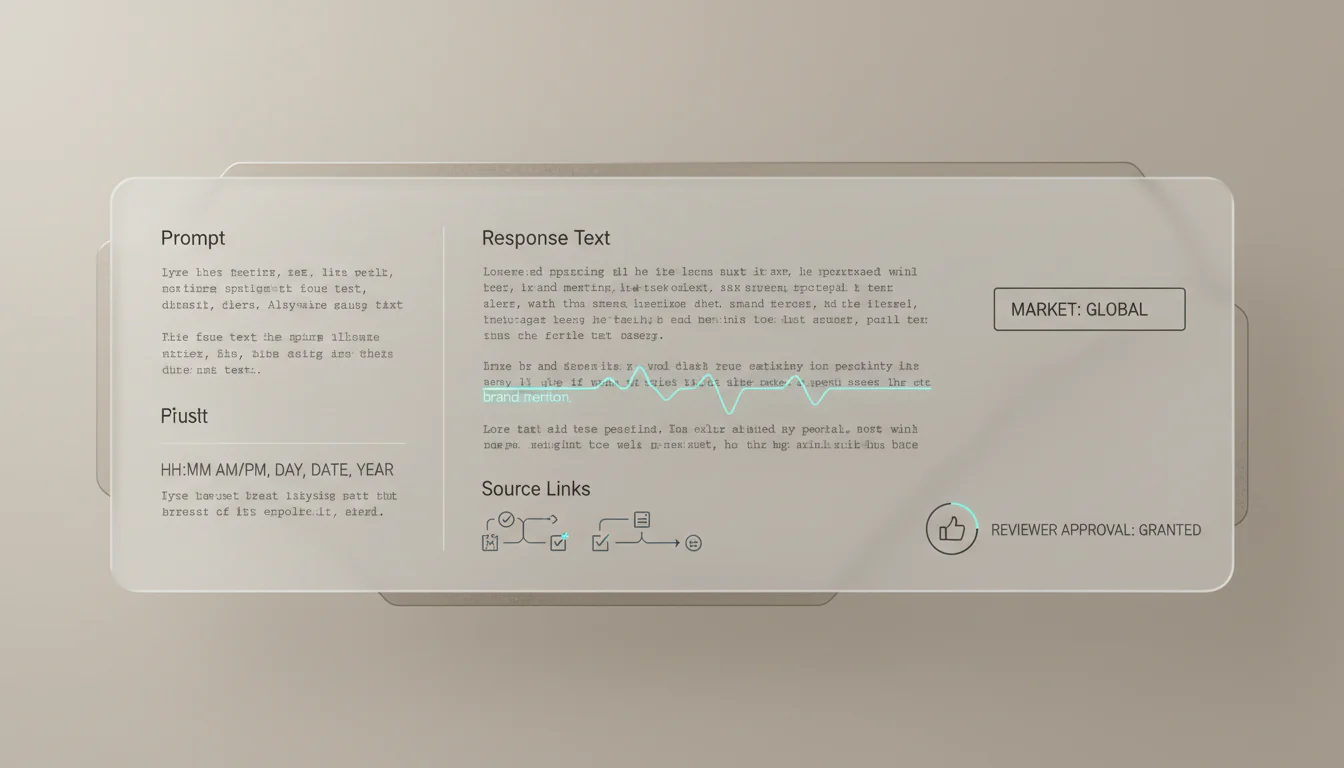
Choose a representative set of high-intent buyer, category, and comparison prompts. Record the engine, date, full answer, brand mention, cited URLs, recommendation language, and the page each answer appears to support.
A fixed set is more valuable than constantly changing prompts because it gives teams a comparable baseline. We use this same principle in cross-engine tracking, where the objective is reproducible evidence rather than a one-time score.
Build a Claim and Source Review Surface
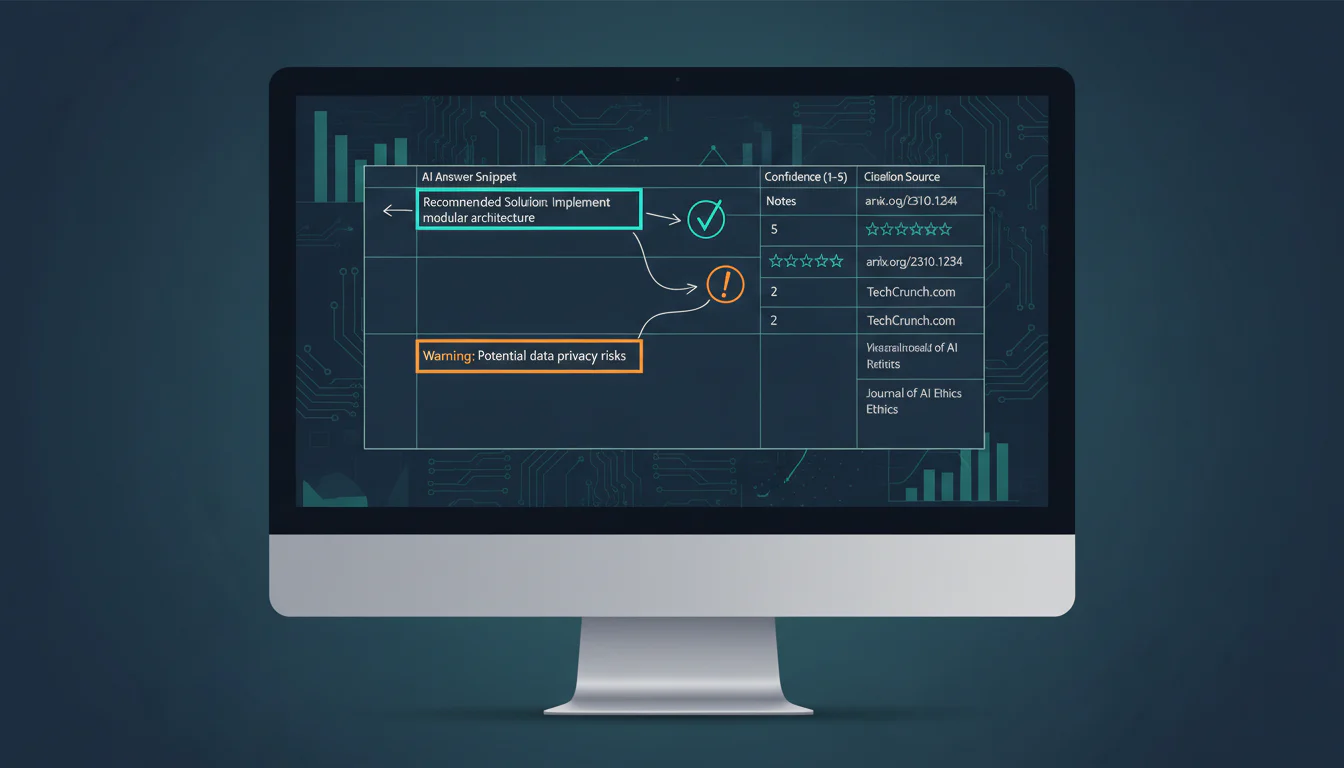
A practical Canvas-inspired review board can contain fields for the target prompt, claim, source URL, publication date, content owner, reviewer, and decision. The point is not to turn every brief into an engineering project. It is to make the approval path visible when a writer, subject expert, and SEO lead need to agree on what can be published.
Use the process to flag unsupported language before it enters a page. Then connect the published page to regular tracking so the team can see whether the answer and citation behavior changes after the update.
Review at Consistent Intervals
Review results at seven, 14, and 30 days, using the same prompts and recording method. Compare mention rate, citation rate, cited page, answer framing, and downstream qualified outcomes without assuming that a single response represents durable visibility.
A shared dashboard should answer what changed, where it changed, and who owns the follow-up. Our framework for an AI visibility dashboard can help teams keep those signals distinct rather than compressing them into one misleading number.
PageLens.ai Makes AI Visibility Measurable
PageLens.ai helps marketing, growth, SEO, and content leaders turn changing AI answers into an evidence-backed operating rhythm. We use a consistent prompt set, preserve the exact answer and cited URLs, flag recommendation language, and compare results across engines and dates. That gives teams a defensible record of what changed, whether a page was cited, and which content deserves review. We do not treat one answer as proof of durable visibility. Instead, we help teams connect prompt coverage, citations, sentiment, and page-level evidence to the work already happening in editorial and search programs. When a product change such as Copilot Canvases creates new workflows, our role is to make the market-facing impact measurable, not to claim a ranking benefit that has not been demonstrated. We then make it easier to prioritize changes, assign owners, and report progress without spreadsheet reconstruction. Book a demo
FAQs on GitHub Copilot Canvases
When Did GitHub Introduce GitHub Copilot Canvases?
GitHub announced Canvases on June 2, 2026, during expanded technical preview. The Copilot app reached general availability June 17, with Canvases included in the released capabilities.
Do Canvases Improve AI Visibility?
No. Canvases make agent work inspectable and steerable, but GitHub has not stated that they directly affect citations, rankings, or recommendations in public AI search answers.
Who Can Use GitHub Copilot Canvases?
Current GitHub documentation says the Copilot app is available across all plans. Business and Enterprise users still need an administrator to enable the Copilot CLI policy.